MNE Analyze
MNE Analyze is currently being ported to MNE-CPP and is not yet feature-complete compared to the original MNE-C mne_analyze application.
MNE Analyze is a GUI application for comprehensive sensor- and source-level analysis of pre-recorded MEG/EEG data. It provides tools for data visualization, preprocessing, source localization, and interactive exploration of results. It currently supports the .fif (FIFF) file format.
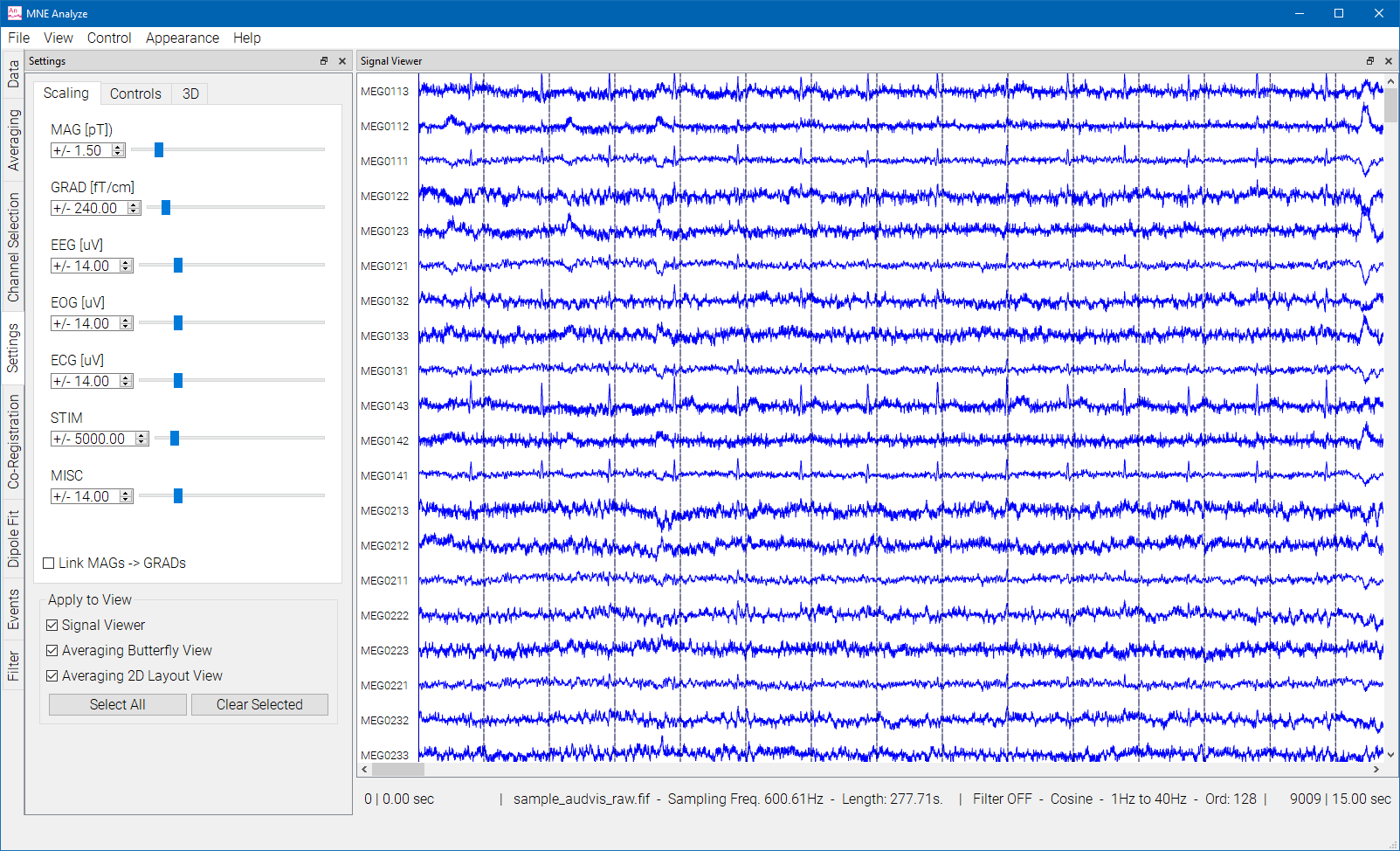
MNE Analyze offers a completely modular work area, with plugins and viewers that can stack, snap to sides, or act as separate windows.
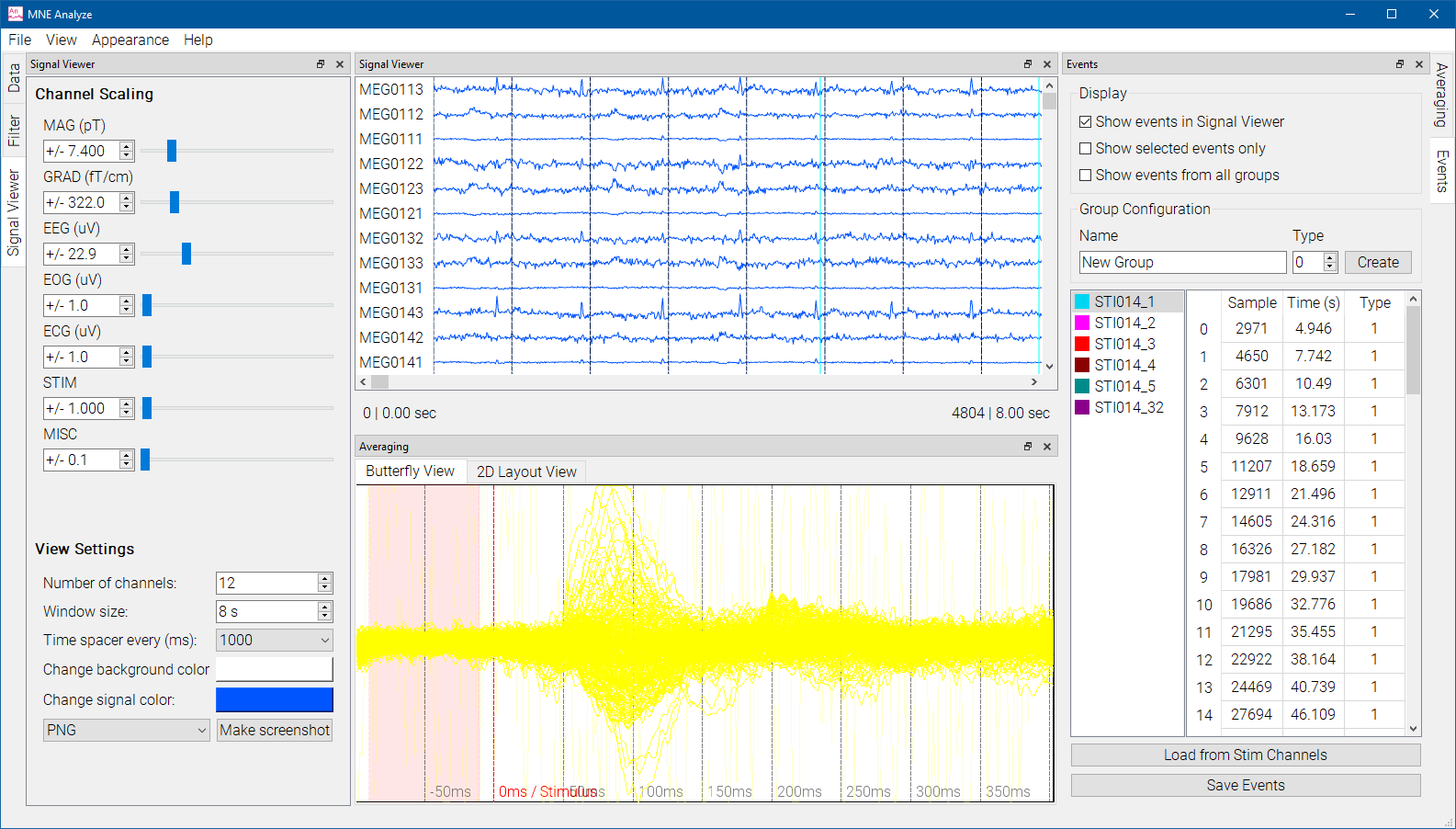
It also has two user modes, Clinical and Research, and two view styles, Default and Dark. These can be selected from the Appearance menu.
Plugin Architecture
MNE Analyze uses a plugin-based architecture. The following plugins are currently available:
| Plugin | Description |
|---|---|
| Data Loader | Loading FIFF data files |
| Data Manager | Managing loaded datasets |
| Raw Data Viewer | Browsing raw time-series data |
| Annotation Manager | Event marking and annotation |
| Averaging | Computing evoked responses |
| Filtering | Data filtering |
| Channel Selection | Selecting channel subsets |
| Co-registration | MEG/MRI coordinate alignment |
| Scaling | Signal amplitude scaling |
| Dipole Fit | Interactive dipole fitting |
| Real-time | Connection to real-time data streams |
Roadmap
The following features are planned for future MNE-CPP releases:
- Time-frequency analysis displays
- Interactive ROI (Region of Interest) definition
- Connectivity visualization
- Movie generation of source activity
- Surface morphing and group analysis visualization
For an agent-oriented workflow with LLM-driven automation, see MNE Analyze Studio.
Plugin Guides
Below are detailed guides for each MNE Analyze plugin.
Online (Experimental)
An experimental WebAssembly build of MNE Analyze is available. It runs entirely locally inside the browser — no installation needed, no data uploaded. Learn more about data privacy.
See Also
- Online Applications (WebAssembly) — All browser-based MNE-CPP applications, data privacy, and technical background